

Install guide

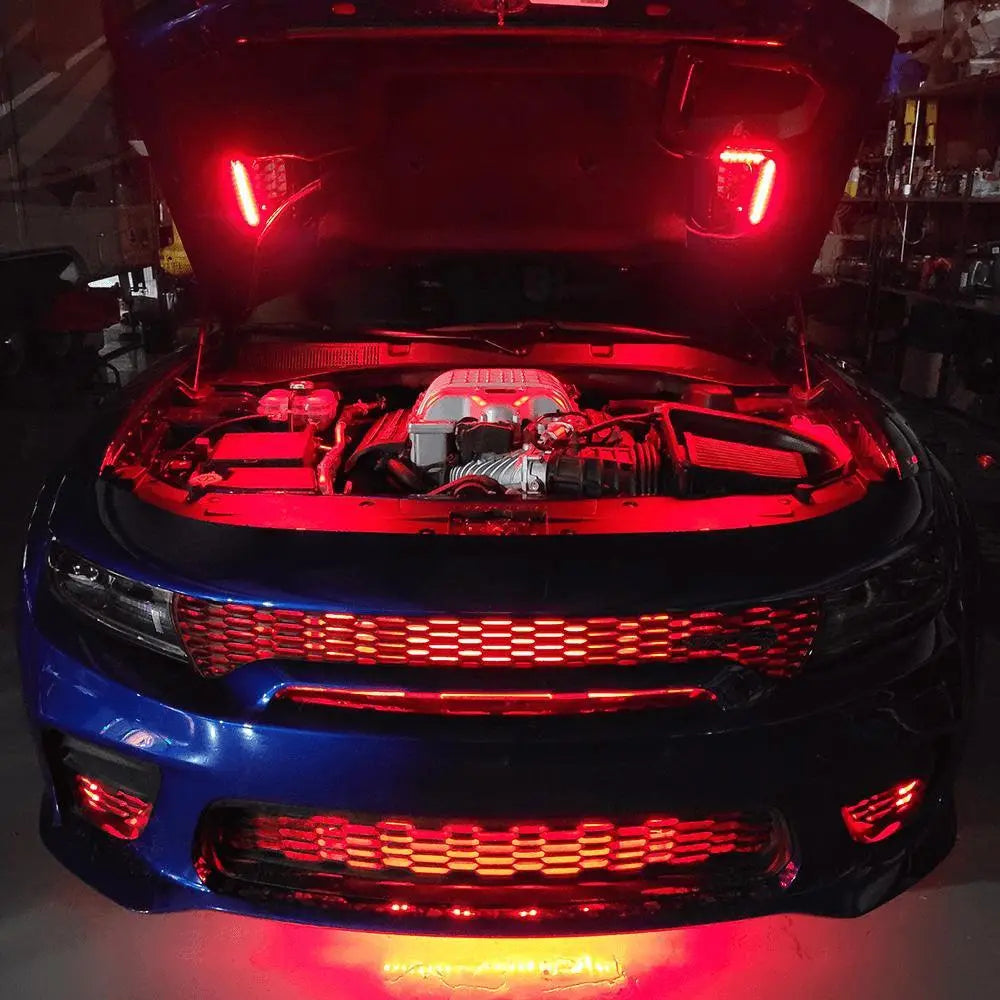
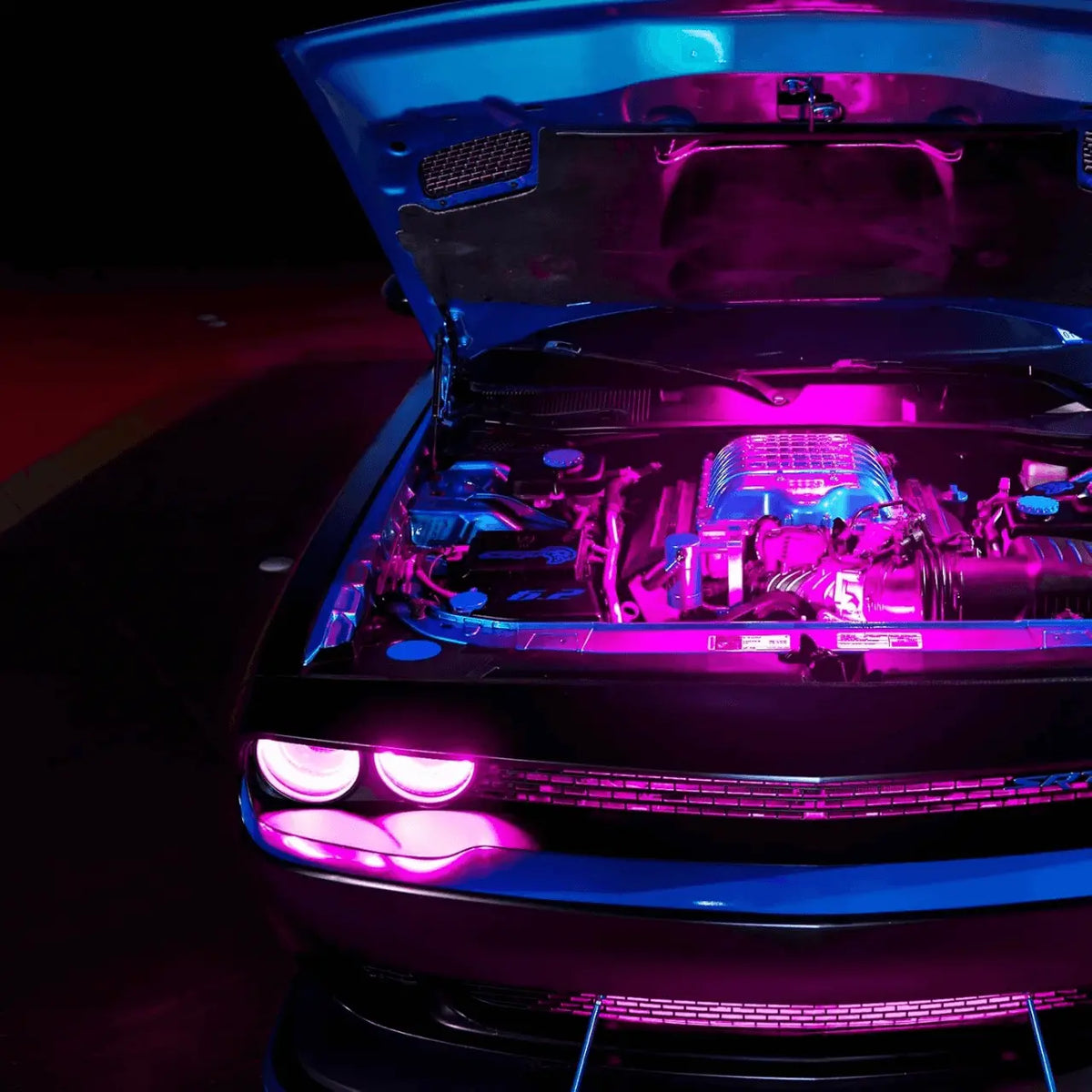
Light up what's under the hood.

Two waterproof LED strips that plug into your Underglow kit. No extra controller, same app, same effects.

  • 30–45 minInstall time
  • EasyDifficulty
  • Add-onRuns off your Underglow kit
  • 5 stepsStart to finish
Before you start

Two minutes now saves an hour later.

  • Underglow kit required

    This add-on runs off your existing Underglow controller. Install your Underglow kit first using the Underglow install guide.

  • Engine off and cool

    Let the engine cool completely and disconnect the battery before you work in the engine bay.

  • Stay clear of heat and moving parts

    Keep strips and wires away from the exhaust manifold, turbo, belts, pulleys and the radiator fan.

In the box

Everything's included.

Two strips and the cables to connect them to your Underglow controller.

Everything's included.
  • 2×Pro LED strips50 cm (20 in) each, IP68 waterproof
  • 2×Extension cablesReach from the controller to the strips
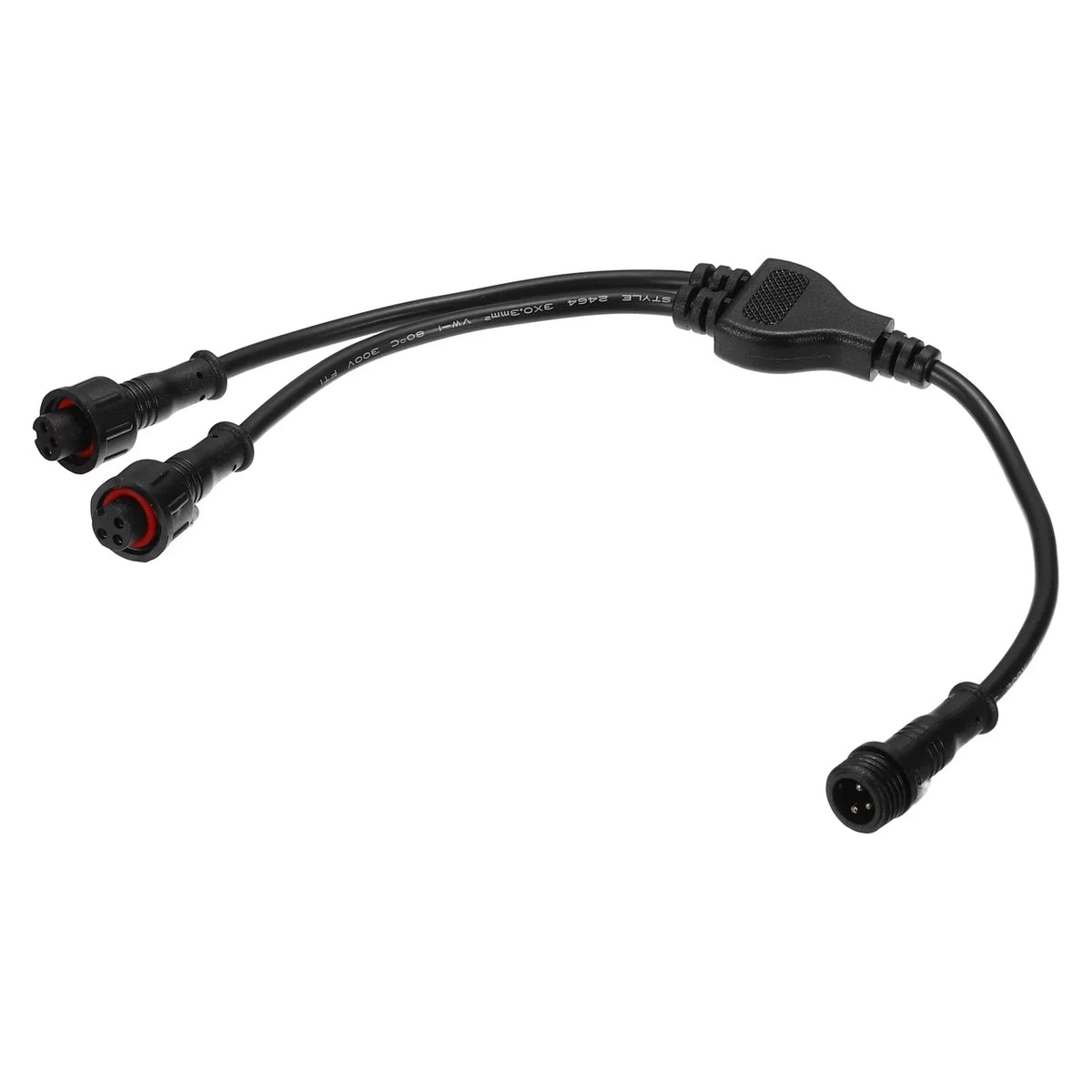
  • 2×Y-splittersShare your Underglow controller with the new strips
  • +Mounting hardware & user guideEverything to fix the strips in place
Tools

What you'll need.

If you installed Underglow, you already have everything you need.

  • Degreaser or isopropyl alcohol
  • Screwdriver
  • Zip ties
  • Drill with self-tapping screwsoptional
Step by step

Five steps to a glowing engine bay.

Your Underglow kit needs to be installed first. The photo follows the step you are reading.

Plan & test
1Step 1

Plan & test

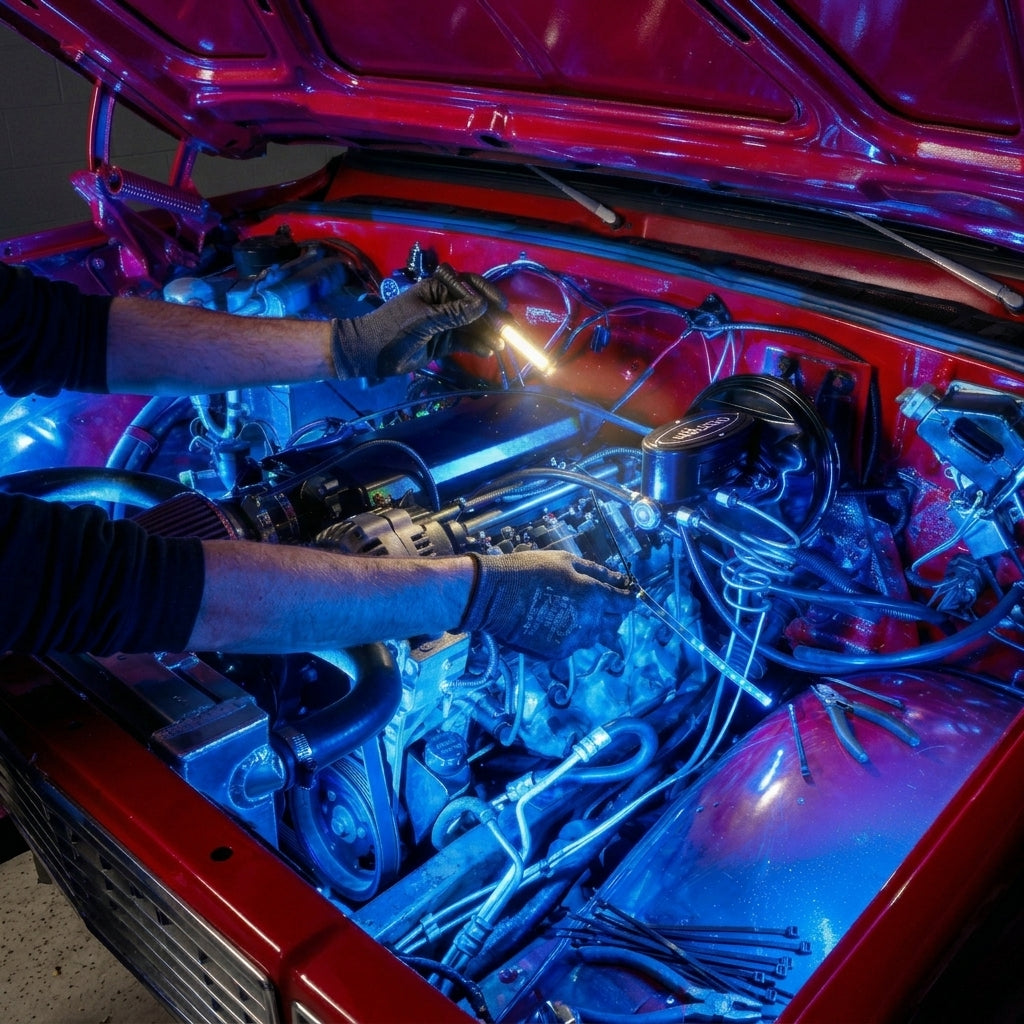
Pick where the glow goes, then check it works before you mount anything.

  • Choose spots along the inside edges of the engine bay, the radiator support or behind the grille.
  • Keep away from anything hot or moving.
  • Connect the strips to your Underglow controller as in step 3 and test them from the app.
Pro tipAim the LEDs so you see the glow, not the dots.
Prep the surfaces
2Step 2

Prep the surfaces

Clean mounting spots hold for years. Dirty ones do not.

  • Disconnect the battery.
  • Clean each mounting spot with degreaser or isopropyl alcohol.
  • Let everything dry fully before you mount.
Connect to Underglow
3Step 3

Connect to Underglow

The Y-splitters let your existing controller run the new strips.

  • At the controller, unplug one front Underglow strip.
  • Fit a Y-splitter, plug the front strip back into one leg and an extension cable into the other.
  • Run the extension cable to the first engine bay strip.
  • Repeat for the second strip, following the user guide.
Pro tipCheck every waterproof connector clicks fully home.
Mount the strips
4Step 4

Mount the strips

Fix the strips in place and tidy the wires.

  • Mount each strip with the included hardware, adding self-tapping screws where you want extra hold.
  • Zip-tie the wires every 20–30 cm (8–12 in).
  • Make sure nothing touches the exhaust, belts, fan or anything that moves.
Test & match
5Step 5

Test & match

Bring it to life and match it to your underglow.

  • Reconnect the battery and open the app.
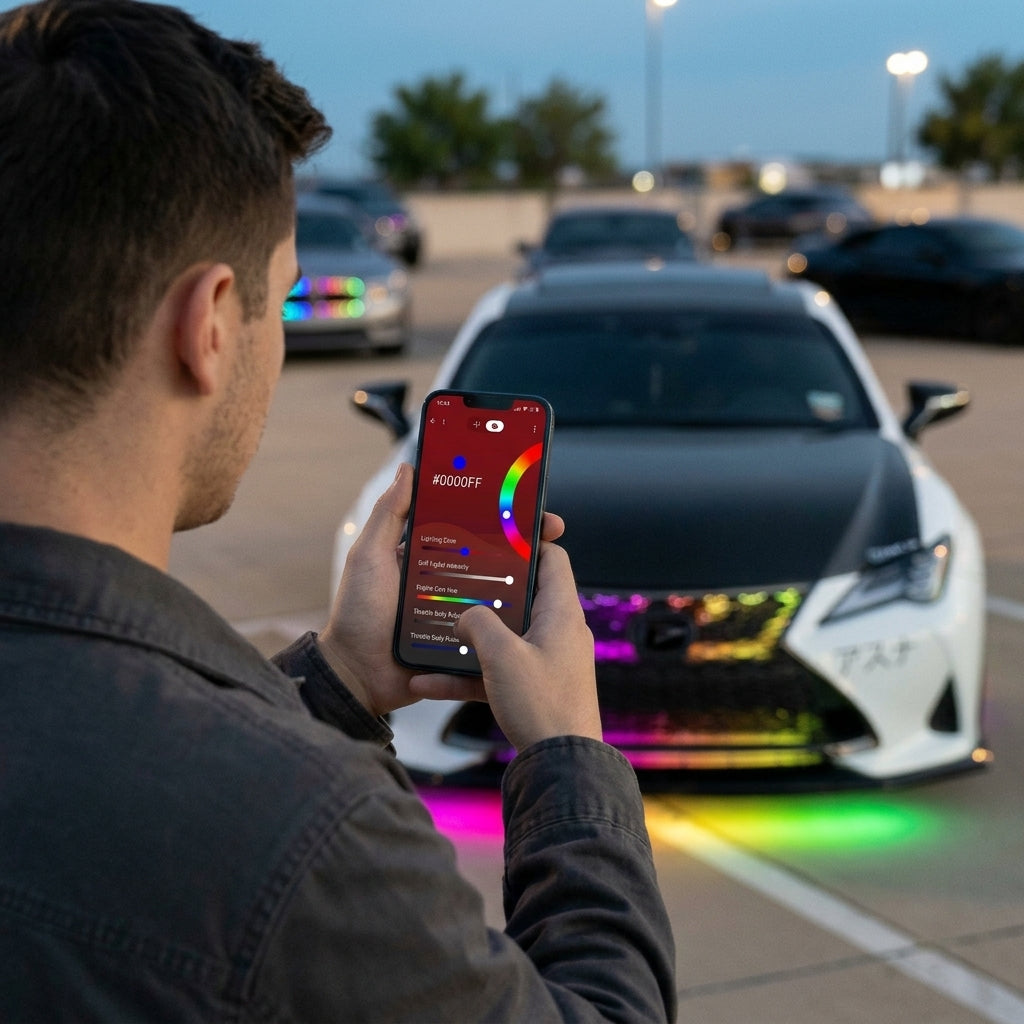
  • Test the engine bay strips with your Underglow effects.
  • If a colour doesn't match, run Colour Calibration in the app for that channel.
Pro tipA user guide with detailed instructions is included in the box.
Wiring

Wiring at a glance.

No new power wiring. The Y-splitters share your Underglow controller with the new strips.

  • Y-splitterBetween the controller and a front Underglow strip
  • Extension cableY-splitter to an engine bay strip
  • PowerNone needed
    The strips run from your Underglow controller.
Pro tips

Do it once. Do it right.

  • Heat checkAfter a drive, touch-test near each strip with the engine off. If it is too hot to hold, move the strip.
  • Keep it cleanWipe the strips with a damp cloth so they stay bright.
  • Match your glowColour Calibration in the app keeps the engine bay and underglow colours identical.
FAQ

Install questions.

Stuck? Send us a photo and your order number and we'll help.

Do I need the Underglow kit?

Yes. The engine bay kit is an add-on that connects to your existing Underglow controller. No extra controller is needed.

Can it handle engine heat?

Yes. The strips are IP68 rated and built for heat, rain and mud. Still, keep them away from the hottest parts like the exhaust manifold.

Will it fit my vehicle?

Yes. It is a universal fit, with two 50 cm (20 in) strips for any car or truck.

How do I control it?

With the same app and remote as your Underglow kit.

How long does it take?

About 30 to 45 minutes if your Underglow kit is already installed.

More guides

Installing more than one kit?

Ready to glow?

Do not have Underglow yet? Start with the kit, then add the engine bay.